Plugins, samples and books. One app.
The free ones are yours to keep. Every paid plugin runs free for 7 days, no card.
Your download has started.
- Open the .dmg from your Downloads.
- Drag RIPPLES Tap into Applications.
- Open it from Applications and sign in. Everything free is already on your shelf.
Your download has started.
- Open RIPPLES_Tap_Setup.exe from your Downloads.
- Windows shows a blue "Windows protected your PC" screen. It does this for any new app it hasn't seen before - click More info, then Run anyway.
- Follow the installer, open RIPPLES Tap and sign in. Everything free is already on your shelf.
No blue screen? Good, skip that step. Full Windows guide, with screenshots →
Installing on Windows? Read this first
Windows shows a blue "Windows protected your PC" screen for any app it hasn't seen before, including ours. To continue:
- Click More info on the blue screen.
- Click Run anyway, then follow the installer.
Some antivirus tools flag any installer they have not seen before. If yours does, allow RIPPLES Tap and run the installer again; it is the same file every time, and it only writes to its own folder and the standard plugin folders.
On a phone? RIPPLES Tap is a desktop app. and open it on your Mac or PC.

What the press wrote
A free desktop application that serves as a central hub for installing, updating, and managing licenses.
Signing in with a free RIPPLES account automatically fills the app’s shelf.
Installing
Tick what you want, press install, and one password covers the whole batch.
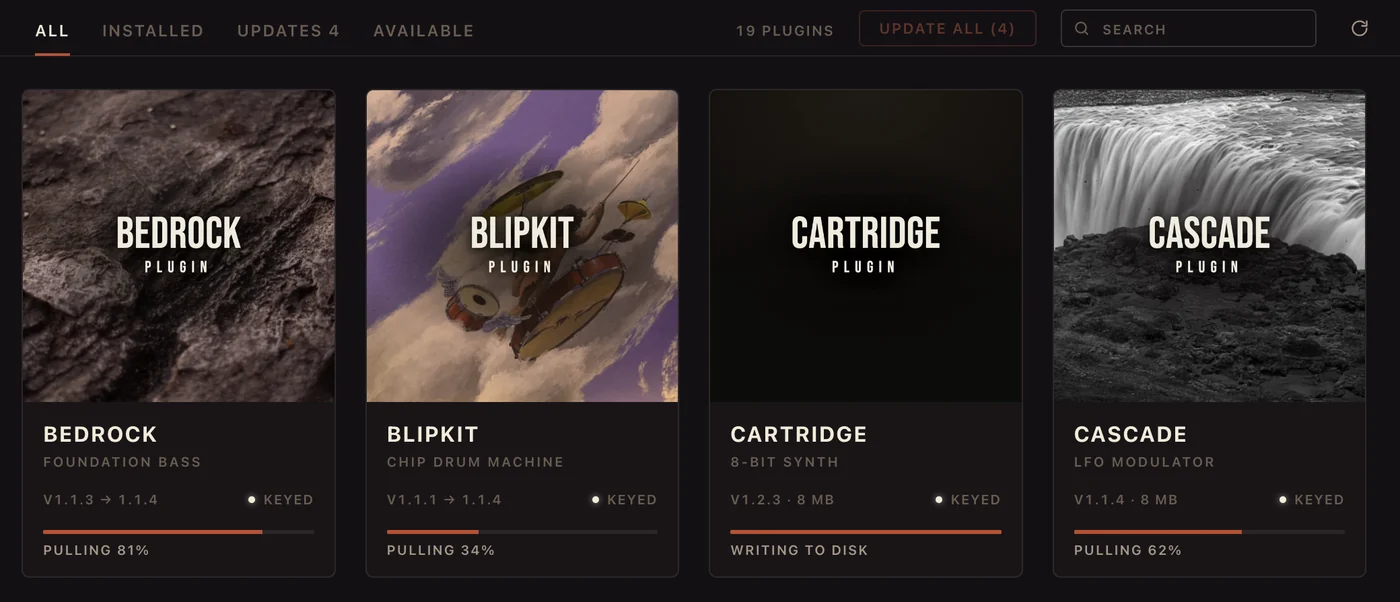
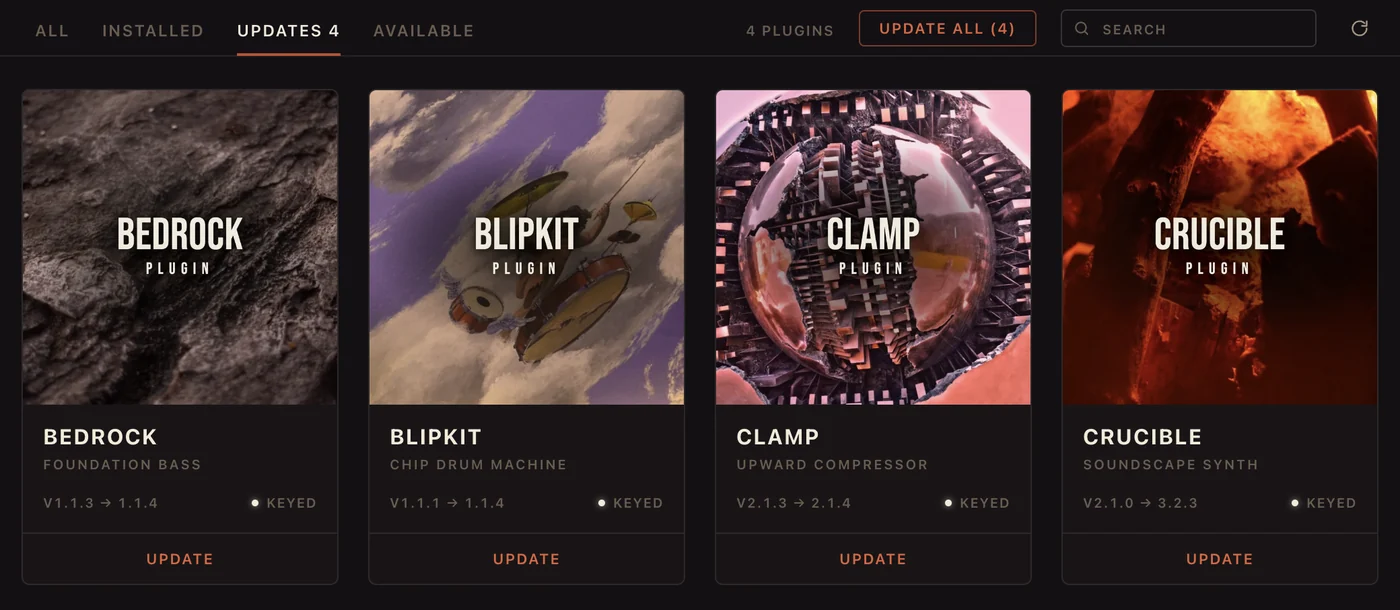
Updates
It reads what is on your disk, shows what is waiting, and one button takes them all.
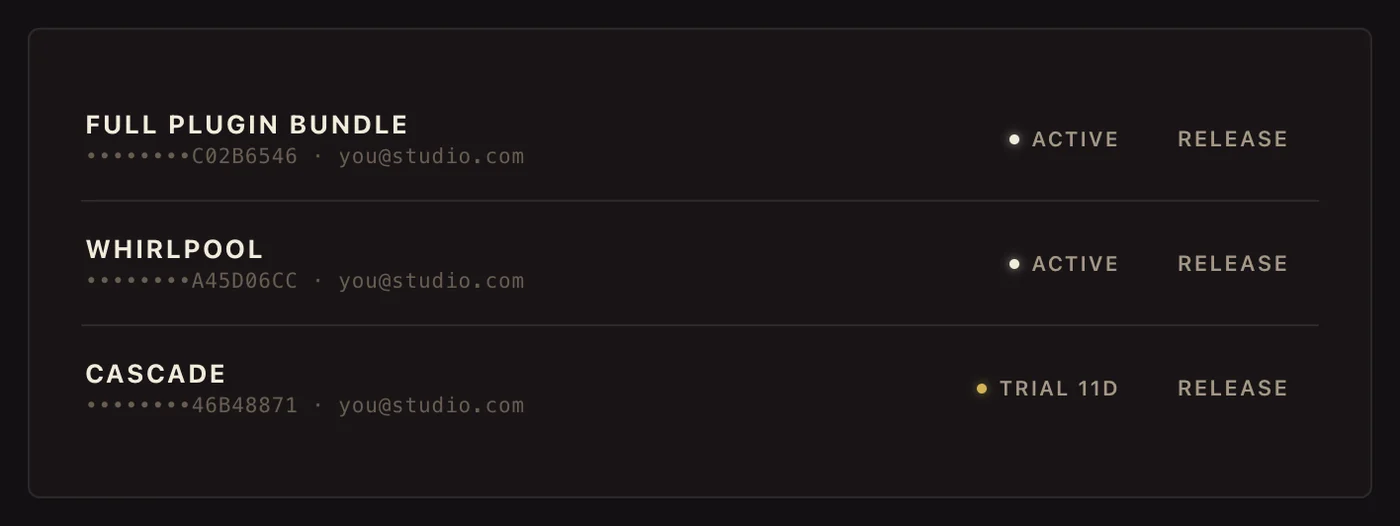
Keys
Sign in once and your licences are there. Moving to a new machine is two clicks.
Do I have to use RIPPLES Tap?
For paid plugins, yes: it is what activates your licence. Free plugins run through it too and never ask for a key.
Can I use my plugins on more than one computer?
Yes. A paid key covers three computers, a trial two. Press Release on a machine you no longer use and the slot frees up.
How do I uninstall it?
Mac: drag it to the Trash. Windows: Add or remove programs. Your plugins stay installed and keep working.
Plugin not showing in your DAW? Quit it fully and open it again. Still stuck? Open a support ticket.
Free to use · your plugins and keys are waiting inside.